
AI-first procedural 3D · Windows
Describe it. Watch the graph build.
Tessera is a procedural node system made to be driven by AI. Type what you want, from an eroded mountain range to a crooked fairy village, and watch the node graph, the 3D viewport and every step the AI takes, live. Every result stays a real, editable graph you can tweak by hand.
v0.7.1 · Windows 10/11 x64 · Free. No account needed. · What’s new
Highlight
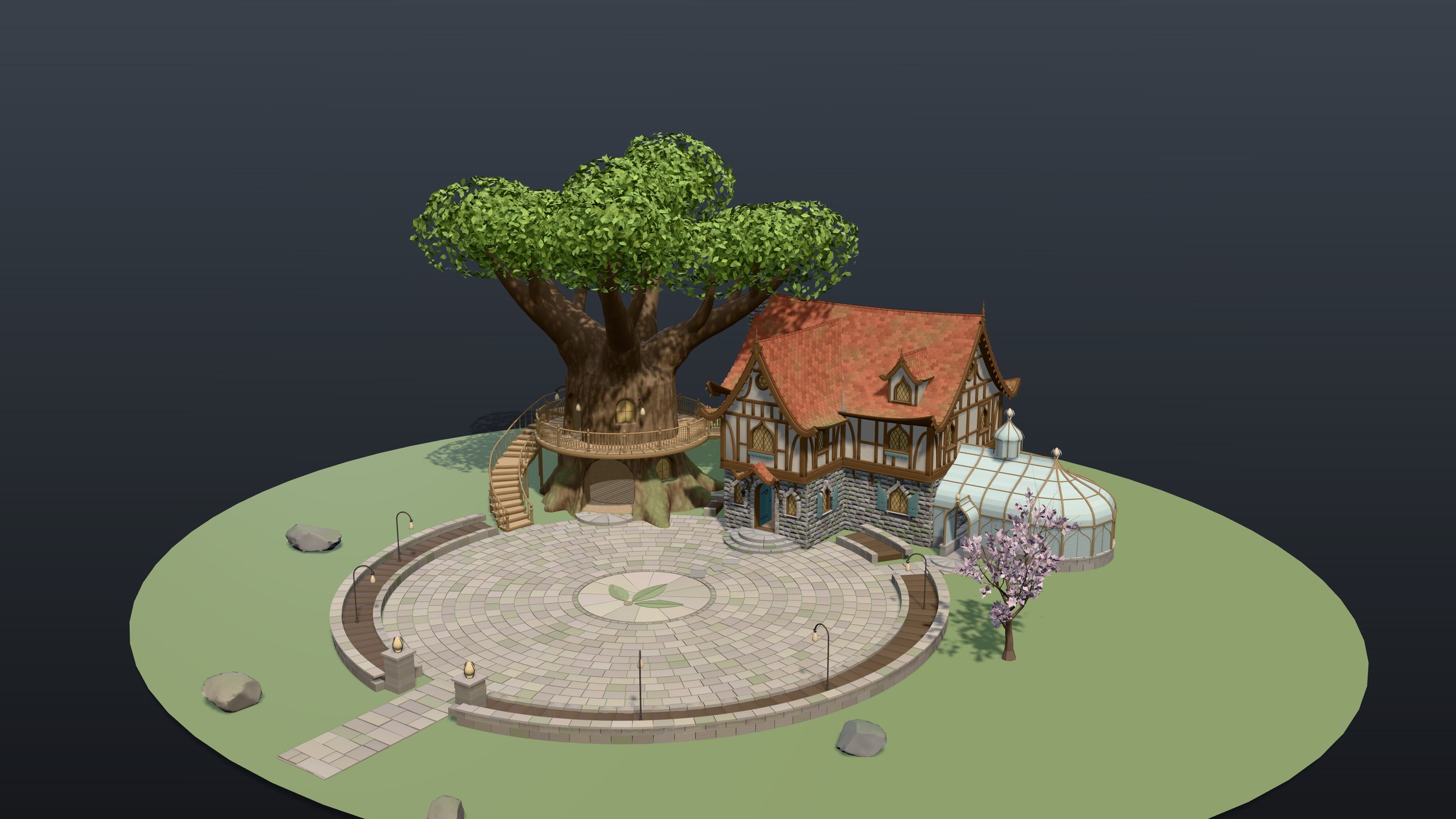
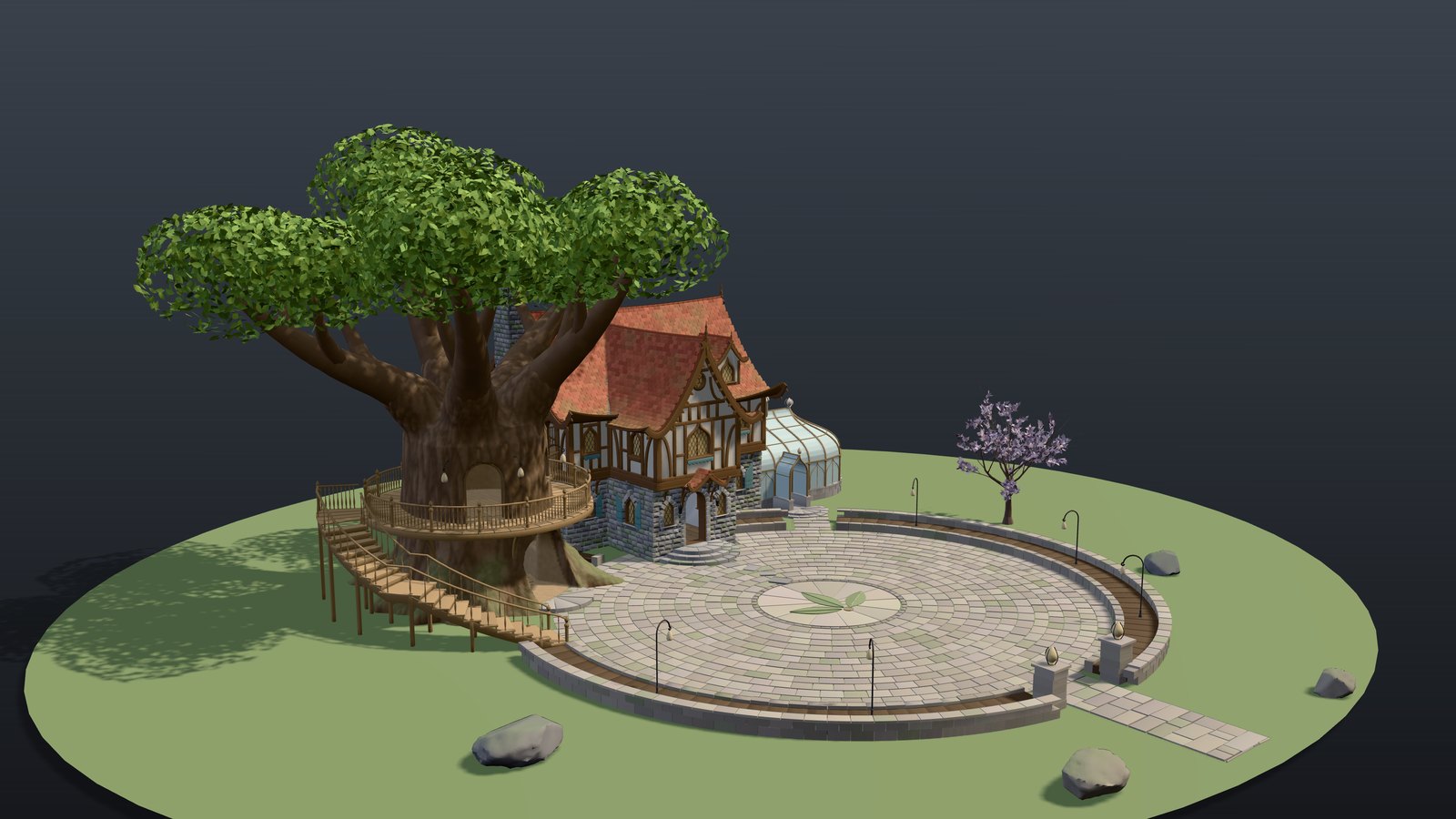
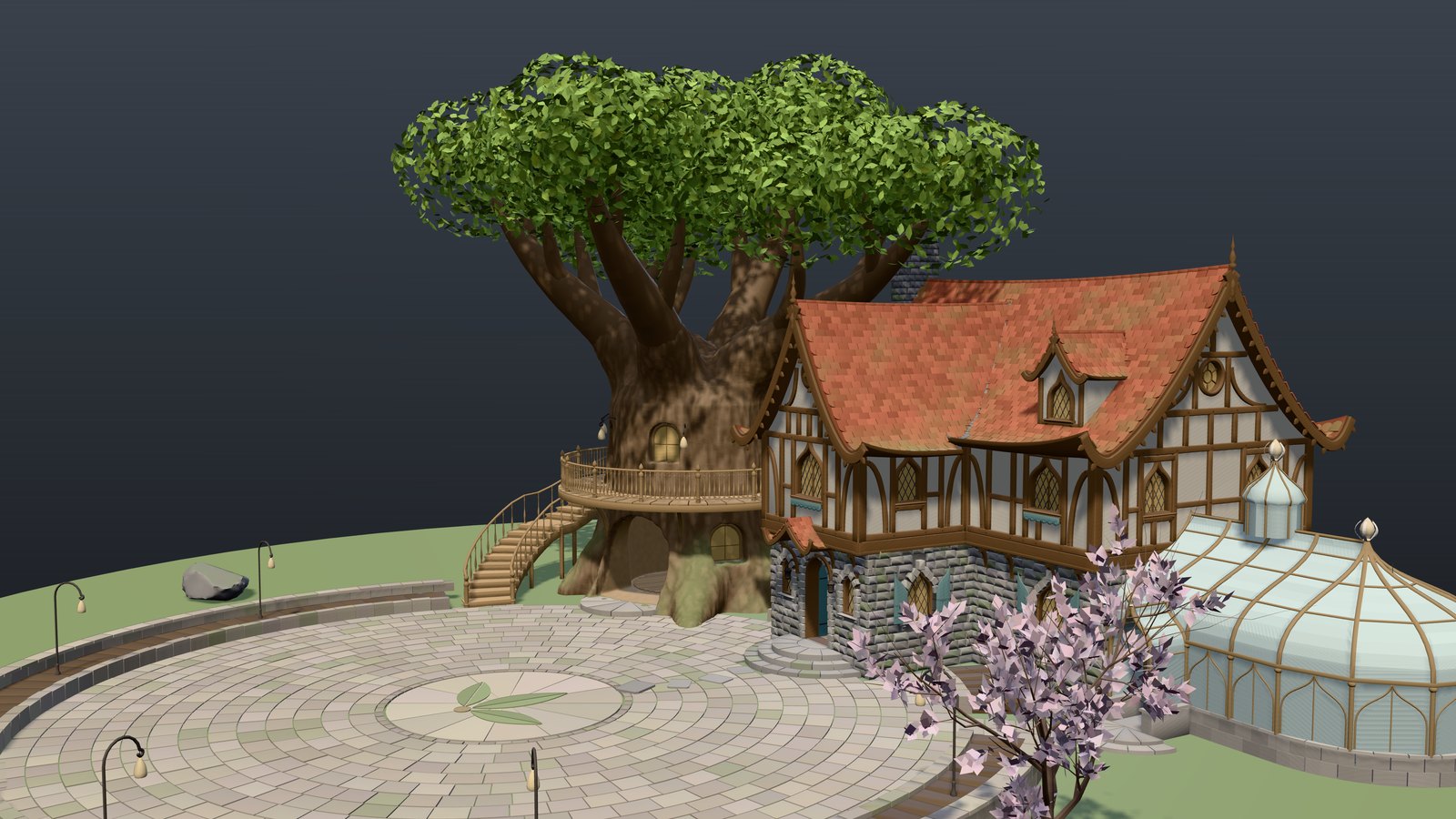
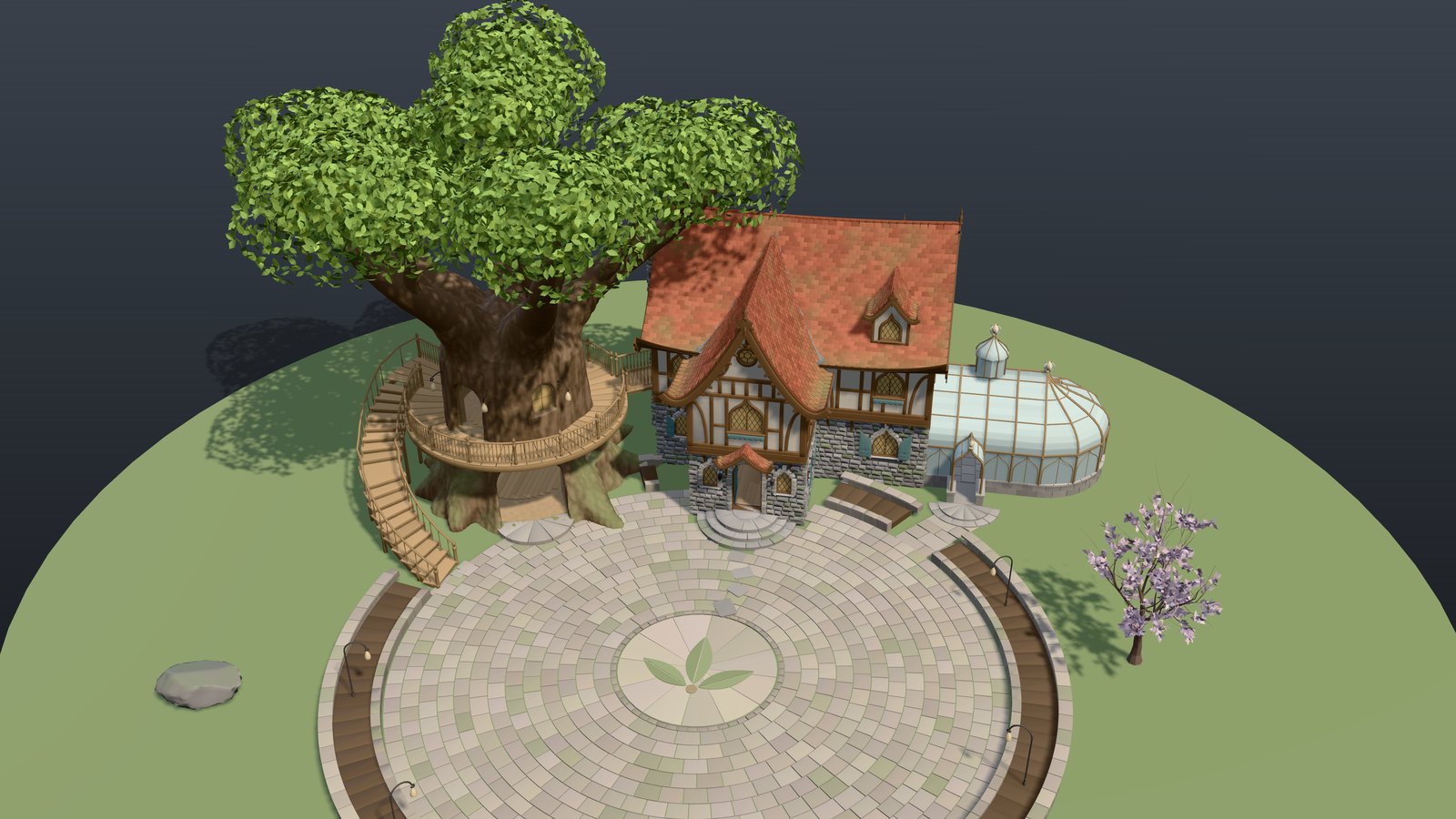
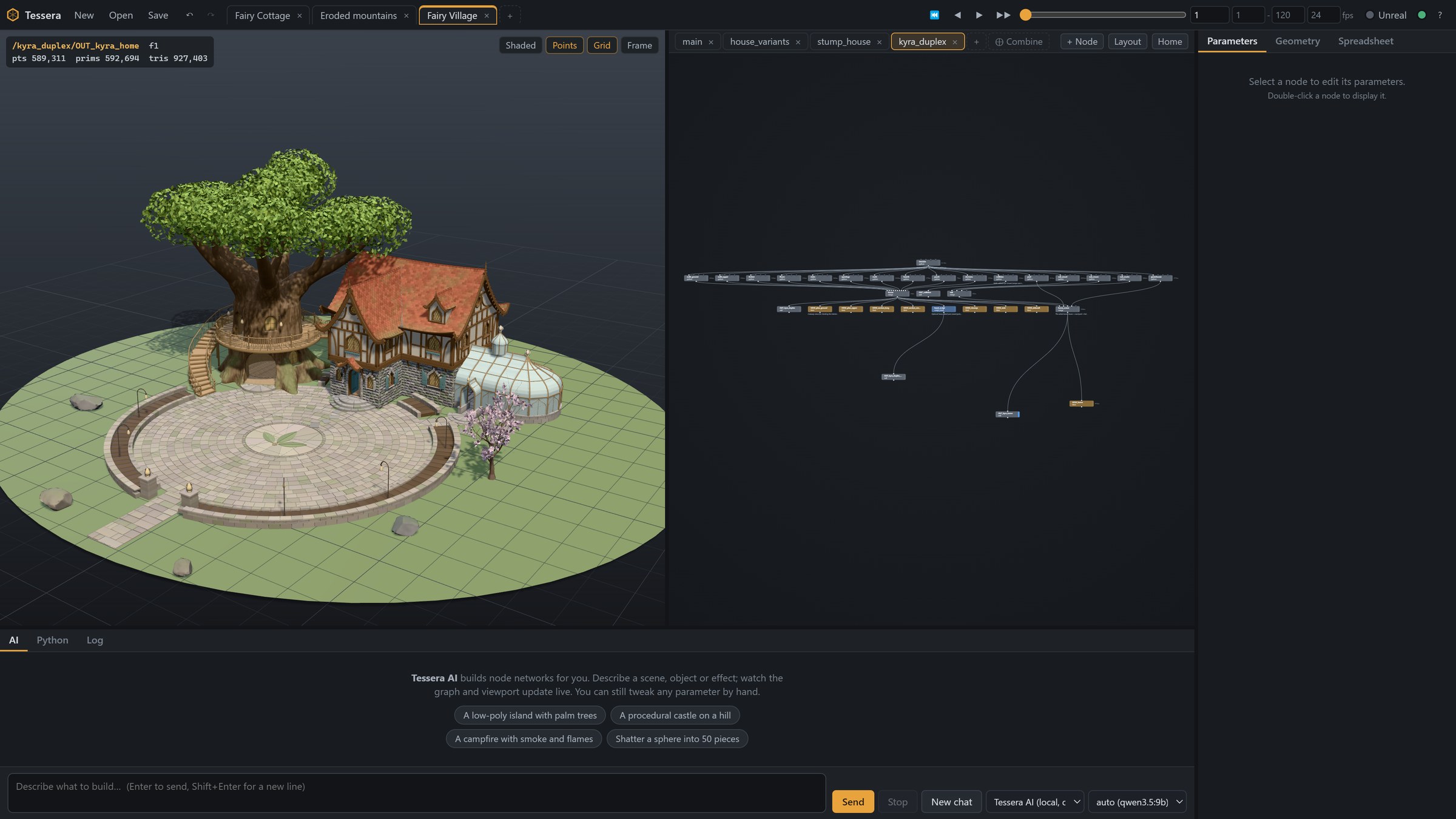
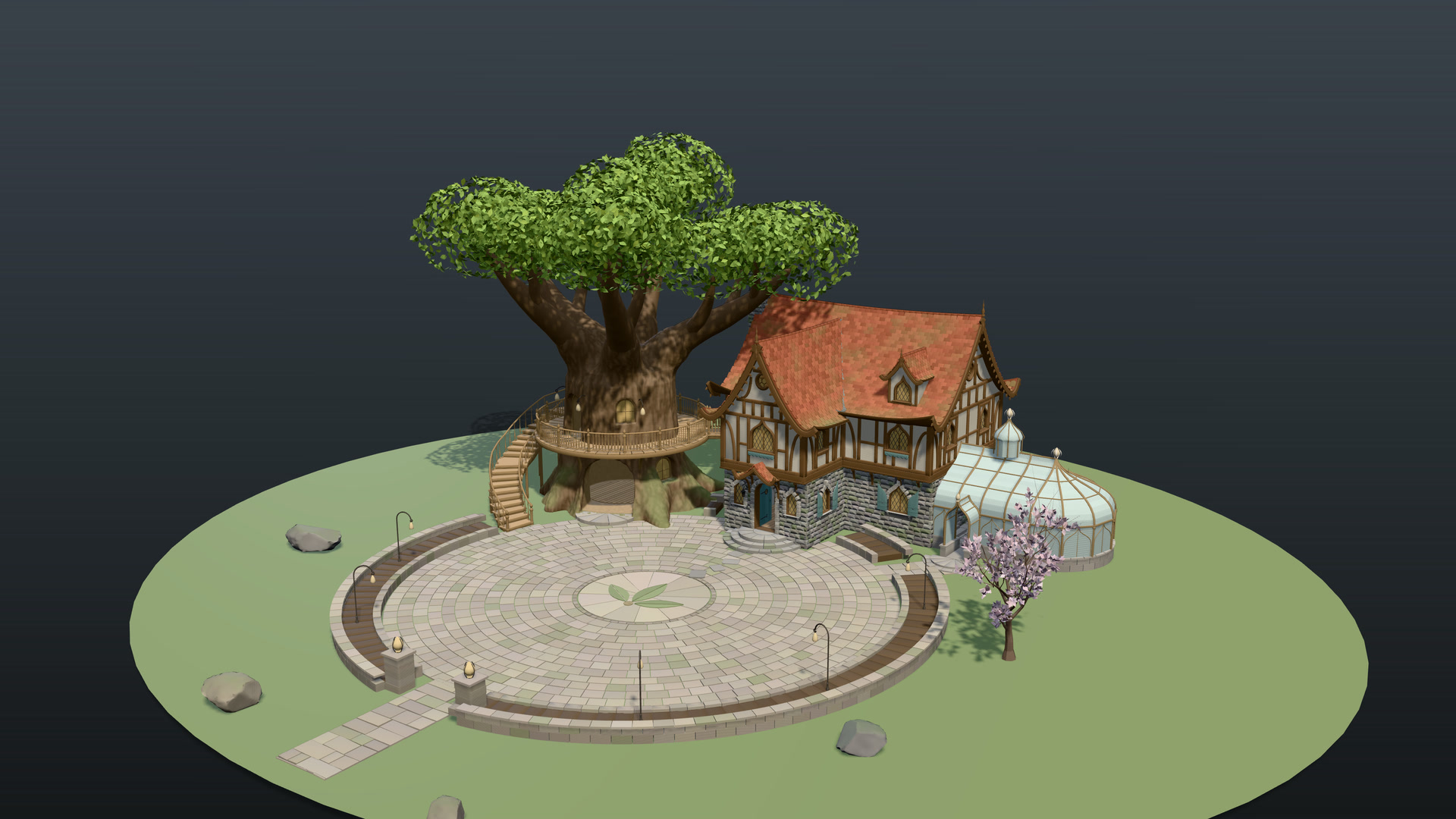
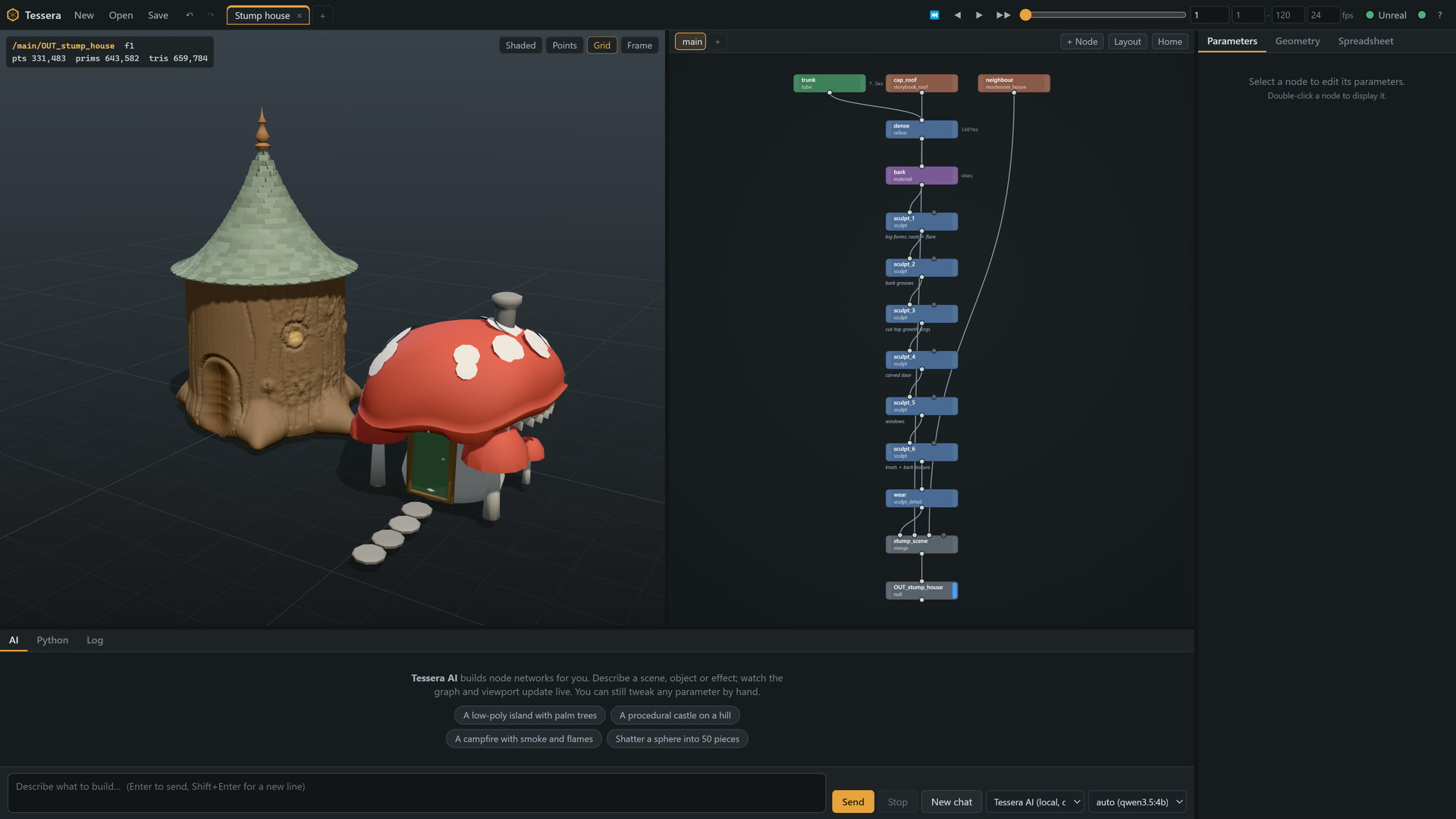
A whole fairy-tale home, generated and sculpted in Tessera
A half-timbered duplex on a stone base, a treehouse oak with a spiral stair and balcony, a glass greenhouse, a paved plaza with lamps, walls and a leaf mosaic, all procedural. About 590,000 points, built from a graph of 30+ nodes, with every part still editable.
How it works
From a sentence to a node graph you own
The AI works the way a technical artist would: it builds a procedural network, looks at the result and fixes what is wrong. You stay in control the whole time.
Describe
Type a request in the AI panel: “a mossy cliff terrain with a river, export a 16-bit heightmap for Unreal”.
Watch it build
The AI plans the parts, adds and wires nodes live in the graph, renders the viewport and checks the layout for floating or overlapping parts.
Tweak and scrub
Click any node and drag its numbers. Change a seed, a height or an expression; everything downstream re-cooks. Undo anything, AI edits included.
Send to Unreal
Push the result into the open Unreal Editor with one click, or turn on Live link so Unreal updates on every change. Or export GLB, OBJ, PLY or STL.
Features
A full procedural toolkit, AI included
17 node categories, an AI panel, a live viewport and the integrations you need to get assets into a game.
164 procedural nodes
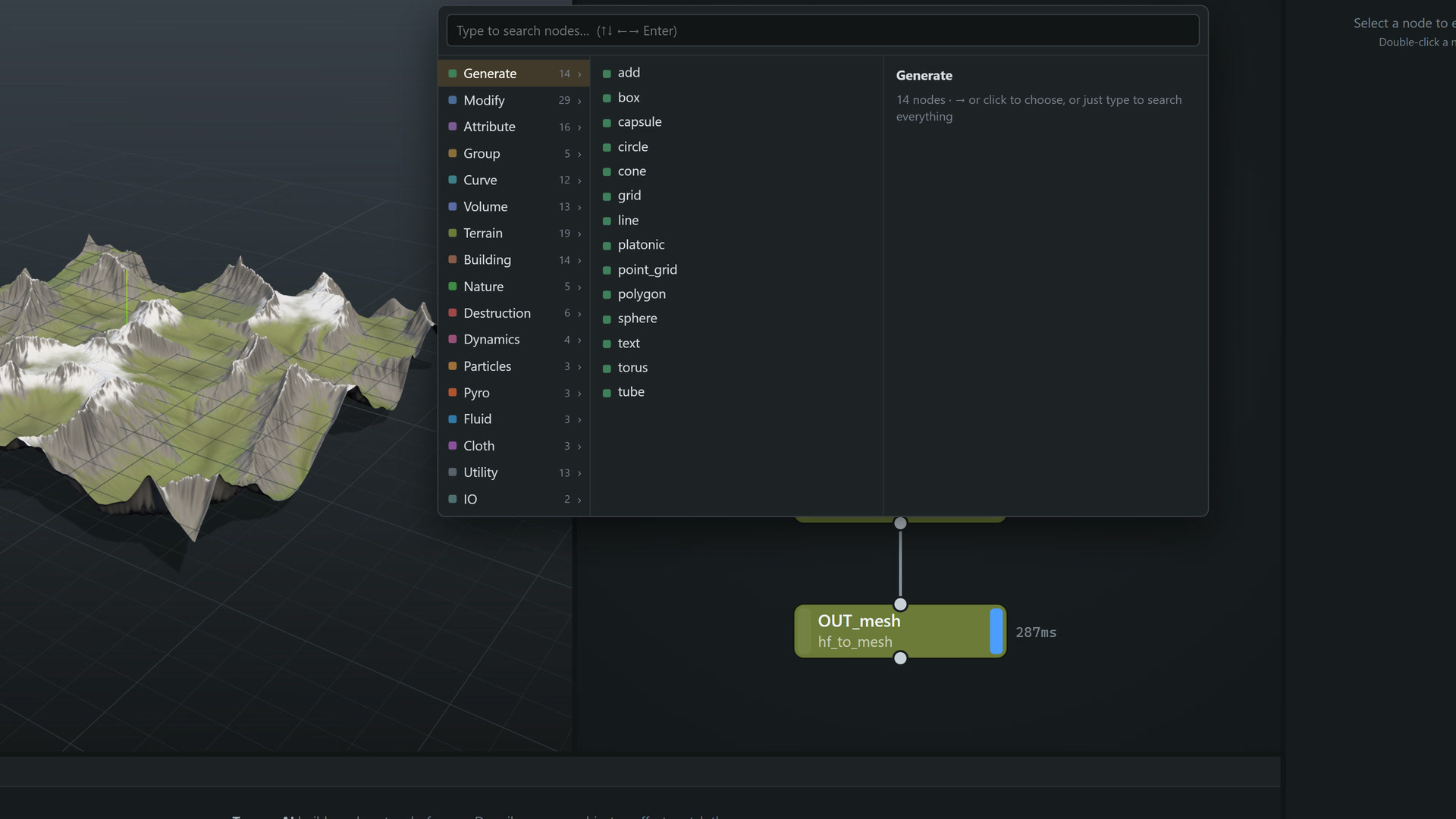
A node library: generators, modifiers, attributes, curves, volumes, terrain, buildings, nature and FX solvers. Every node documents itself.
An AI that builds graphs
Describe a scene. The AI plans it, adds and wires nodes live in the graph, renders and checks its own work, and leaves you a clean, editable network.
Claude Code via MCP
Register Tessera once and say "use tessera to…" in any Claude Code chat. Edits appear live in the open window, or a headless engine starts for you.
Unreal live link
Send any node to the open Unreal Editor as a static mesh with vertex colours, then keep it in sync on every graph change. Nothing is installed into your project.
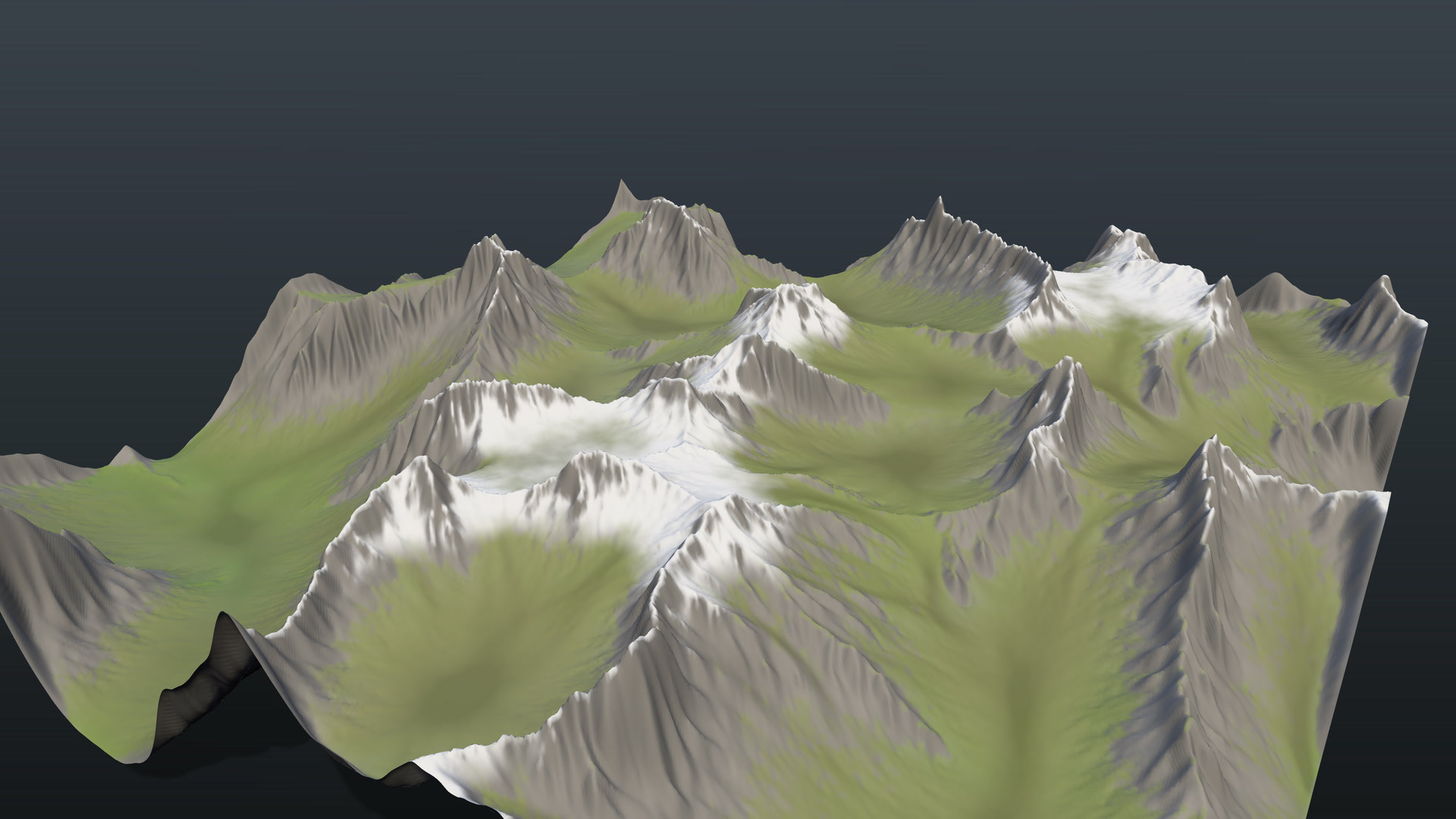
Terrain with erosion
Heightfields, fractal noise, hydraulic and thermal erosion, feature masks and scattering, with 16-bit heightmaps ready for Unreal Landscape.
Fairy-tale architecture
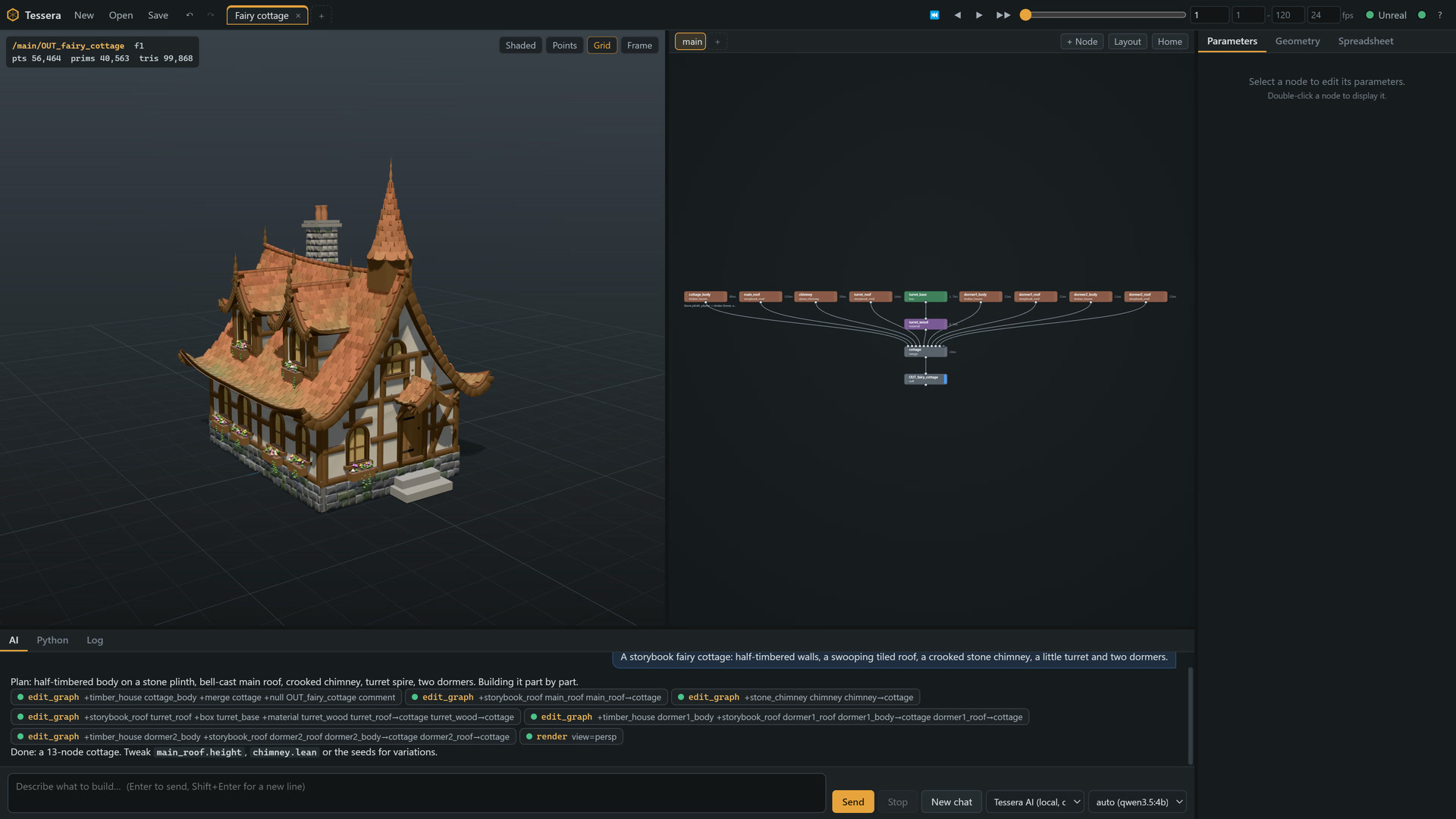
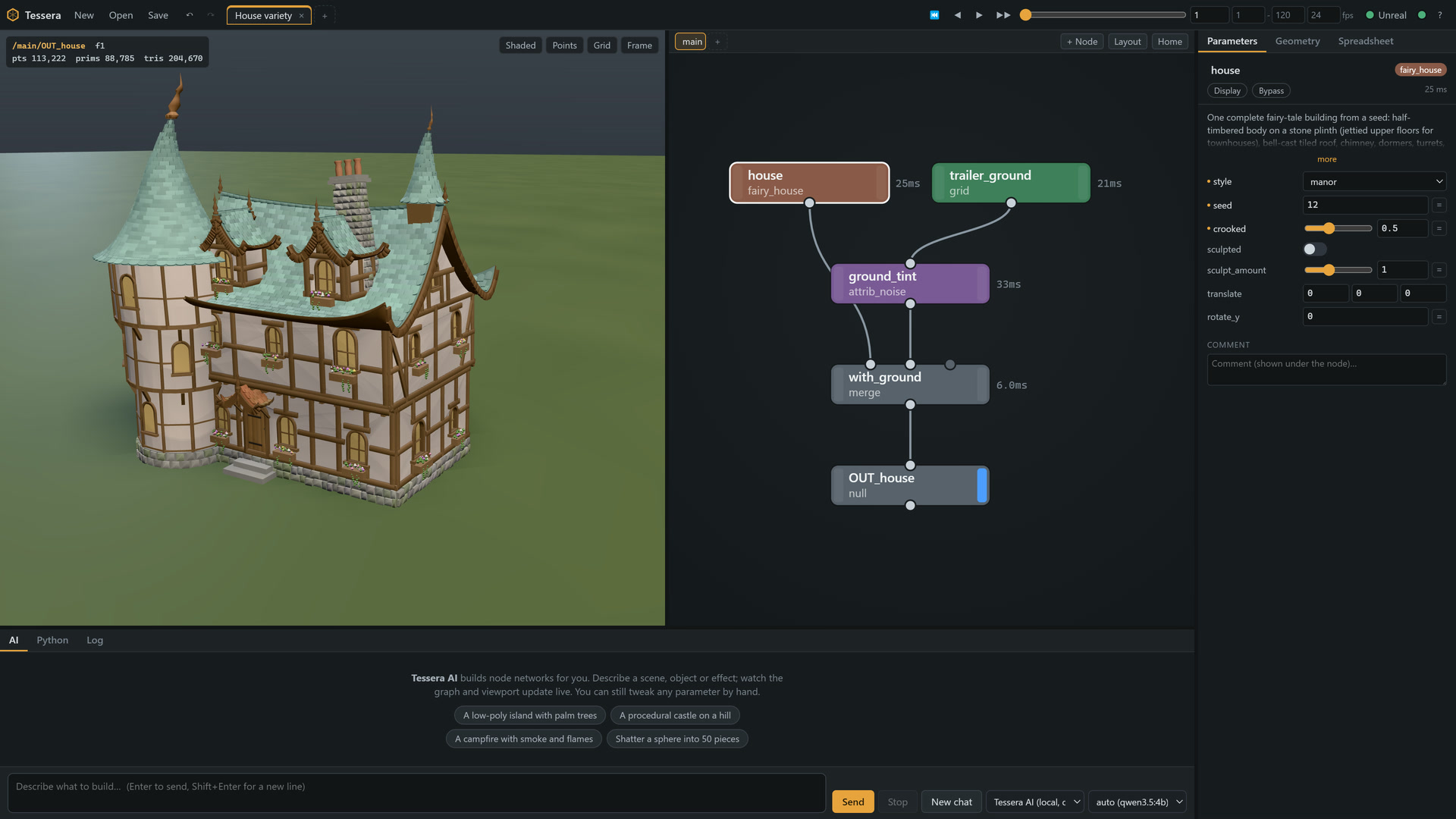
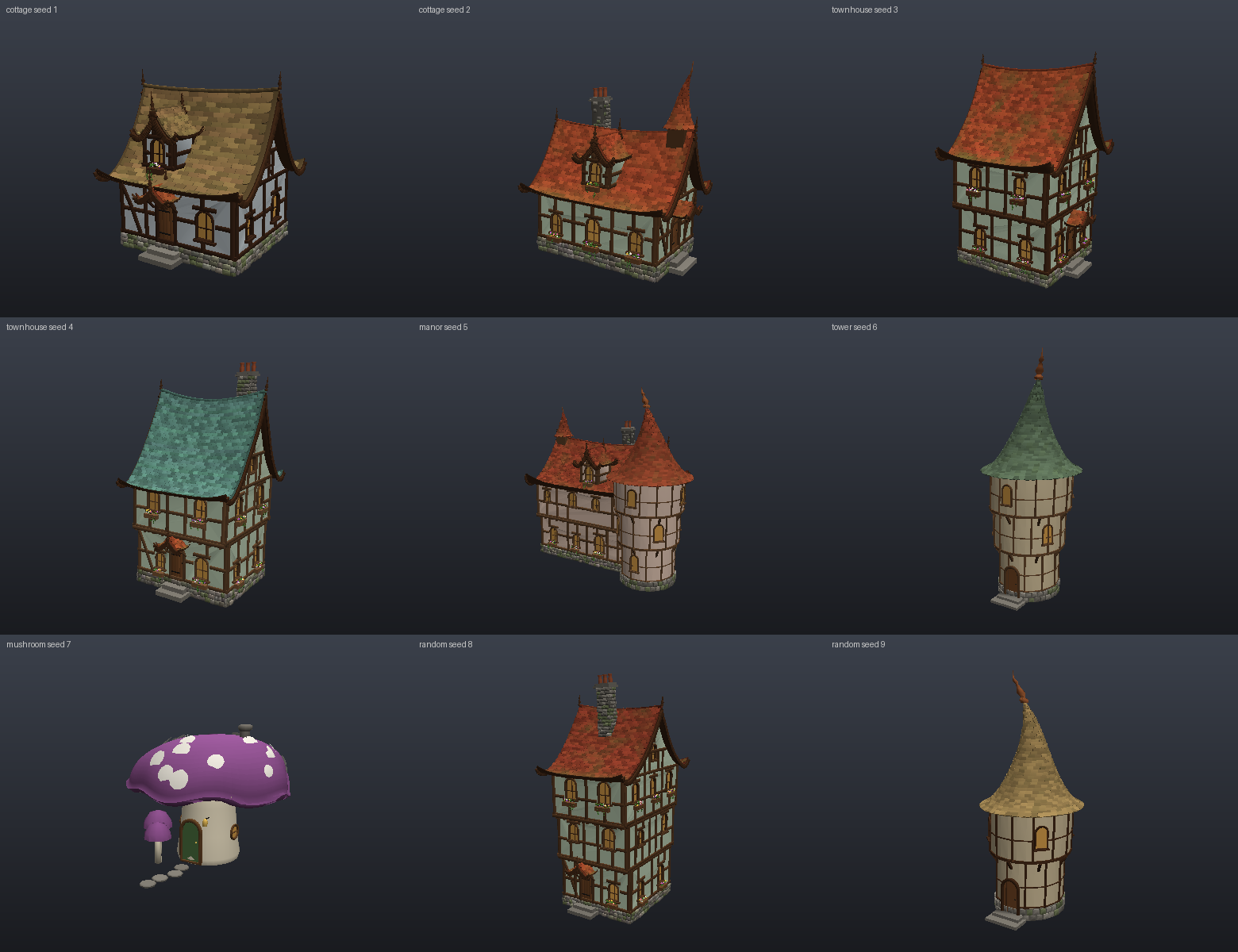
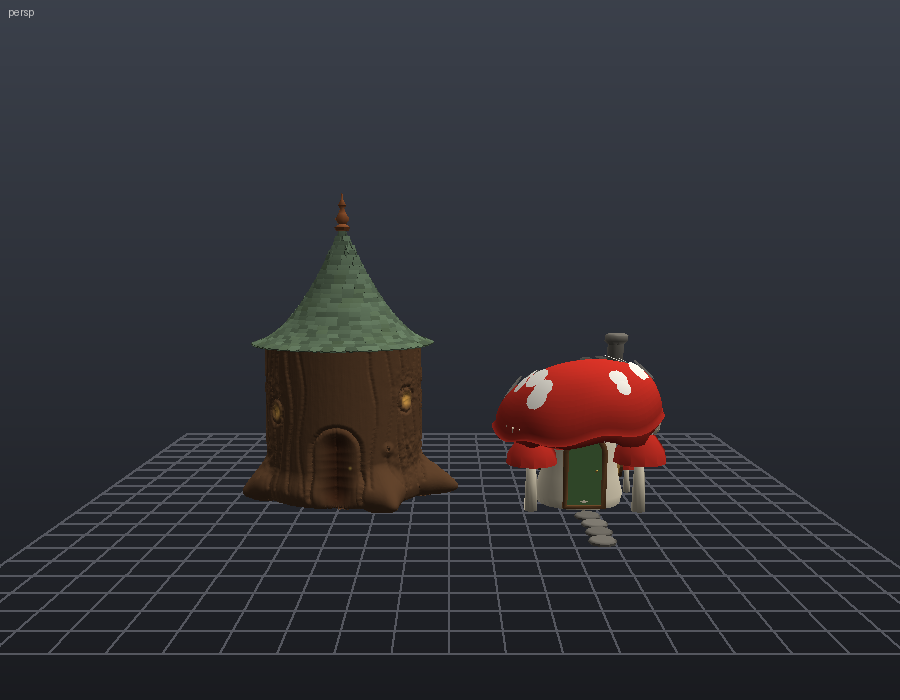
fairy_house, fairy_village, towers and mushroom houses from a seed, with a crooked slider for the storybook lean and bowed walls.
Sculpting as data
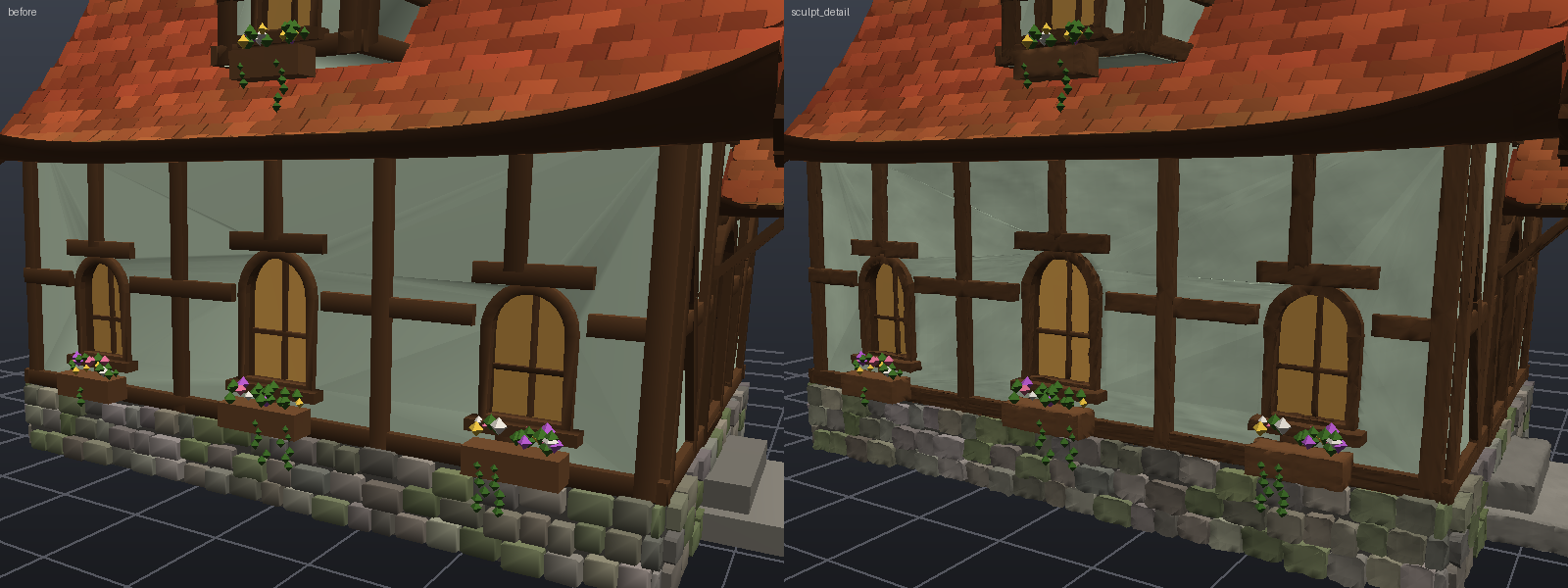
Brush strokes as JSON: draw, inflate, clay, crease, pinch, grab, paint and more, so an AI can sculpt like an artist. One-click material wear with sculpt_detail.
Simulations
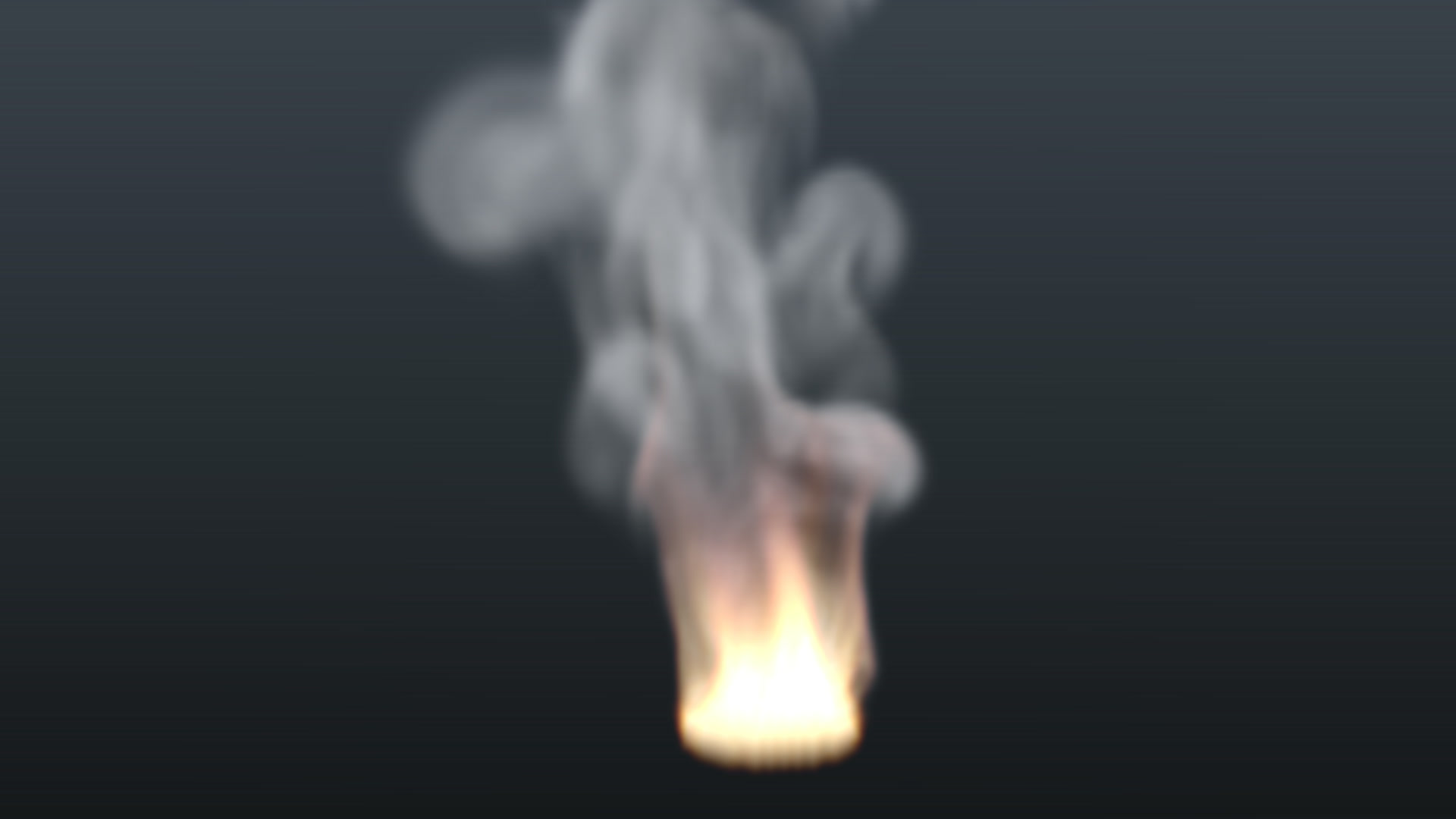
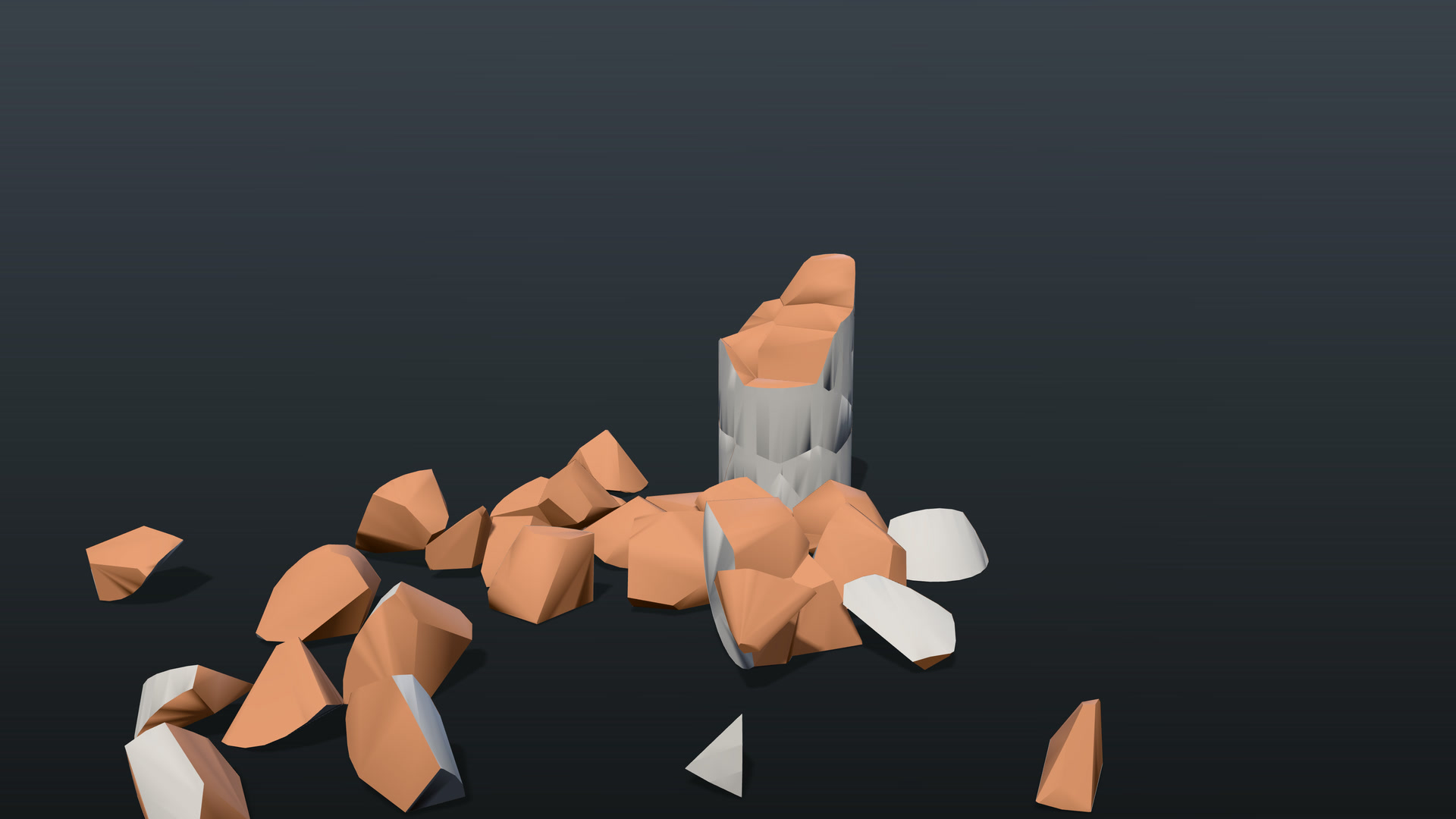
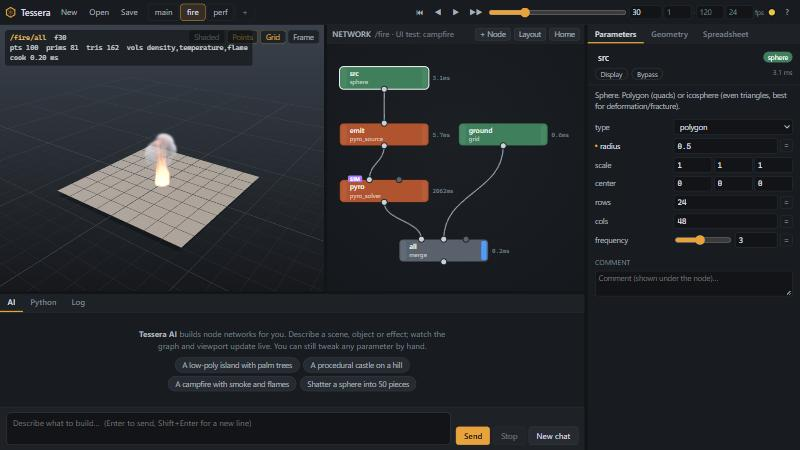
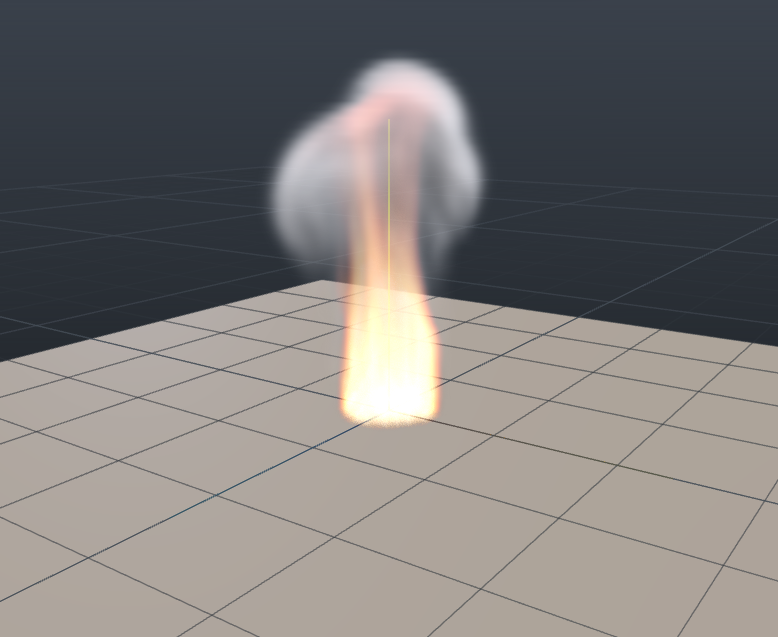
Voronoi fracture and rigid bodies, cloth, soft bodies, particles, pyro smoke and fire, FLIP water and a spectral ocean, cached per frame.
Undo, scrub, tweak
Per-project undo history (AI edits included), drag-to-scrub on every number field, expressions in any parameter.
AI providers
Bring your own AI, or run it offline
Tessera has no account and no AI subscription of its own. Pick a provider in the AI panel; each one uses an app you already have.
Tessera AI Offline
A local Ollama model customised for Tessera: it gets only the relevant nodes and the closest proven recipe, writes a plan, builds in one pass and fixes layout issues. It picks the best installed model that fits in free GPU memory.
Claude Your login
Runs the Claude Code CLI you are already signed in to, with Tessera’s tools. It builds, renders, looks at the render and iterates until it is right.
GPT Your login
Uses your ChatGPT sign-in through the Codex desktop app’s CLI, with the same Tessera tools.
Made in Tessera
Built from nodes, not by hand
Try Tessera on your PC
One self-contained installer with its own Python runtime and geometry libraries. No account, no telemetry.
v0.7.1 · Windows 10/11 x64 · about 160 MB · Free. No account needed. All releases